Set up your account
Before using the platform, set up an account and configure your organization:
-
Log in to the platform.
-
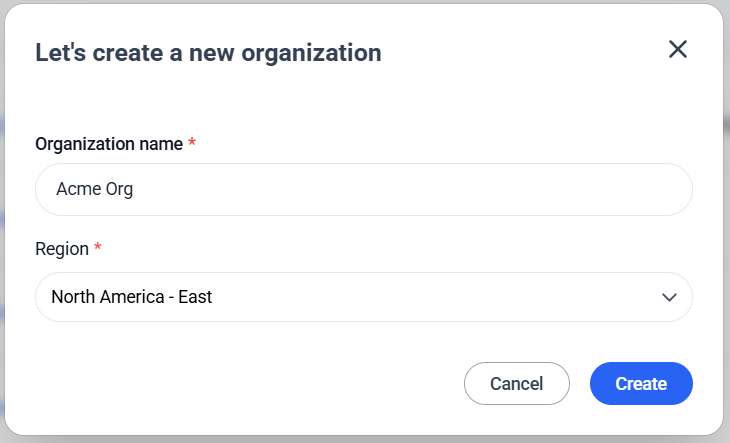
Create an organization: define your company’s structure, including separate teams or business units.
-
In Team, invite new members. In the alpha release period, only the Company Admin role is available. Other roles will be made available in future releases.
-
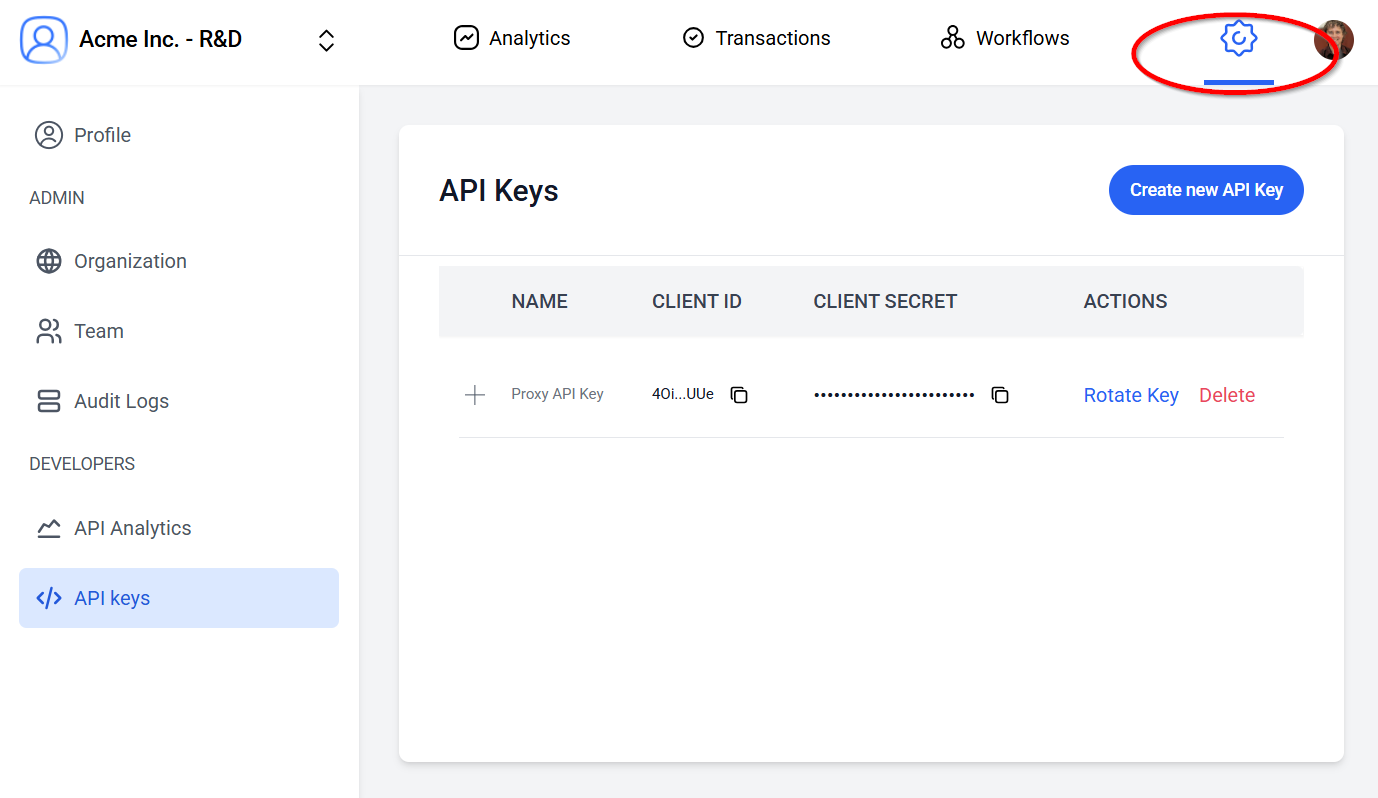
Generate API keys. Select your organization, open settings, and open API Keys select Create new API key. You need the API key to start integrating identity verification services.